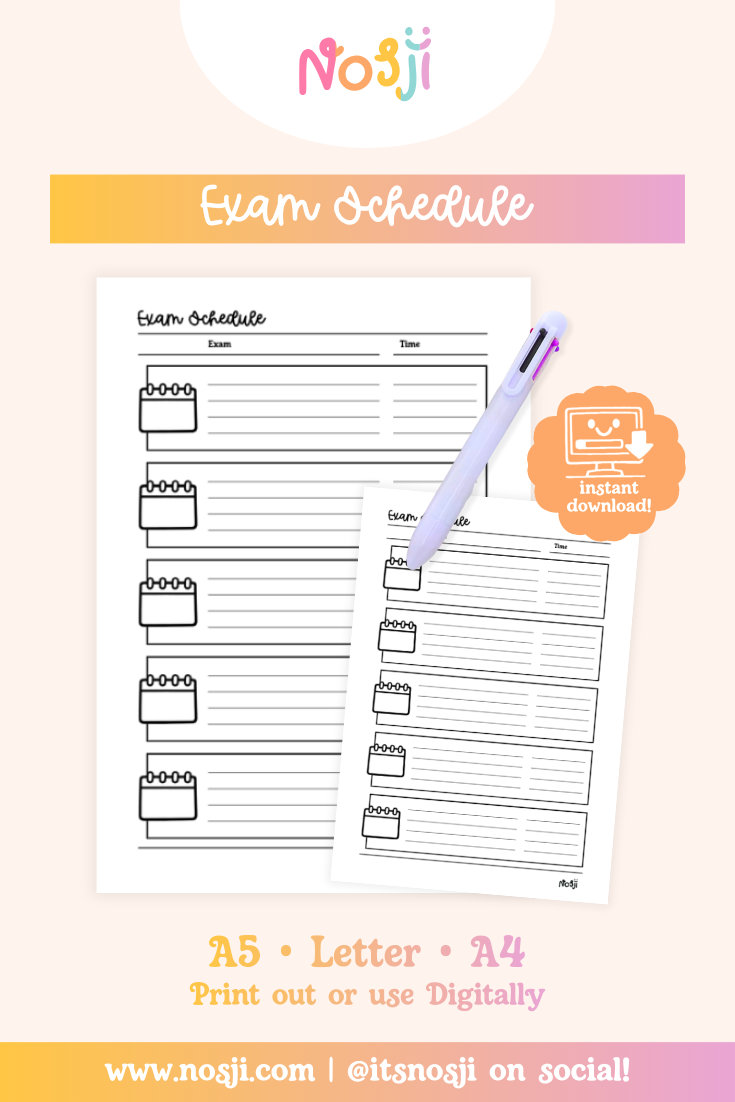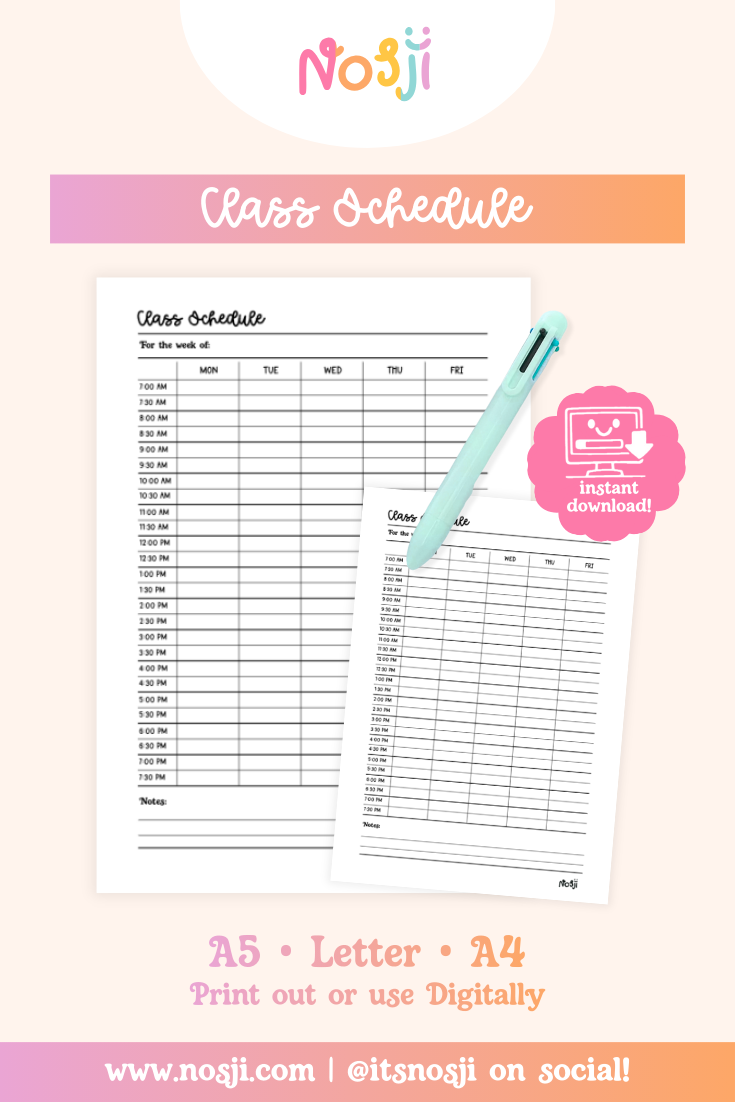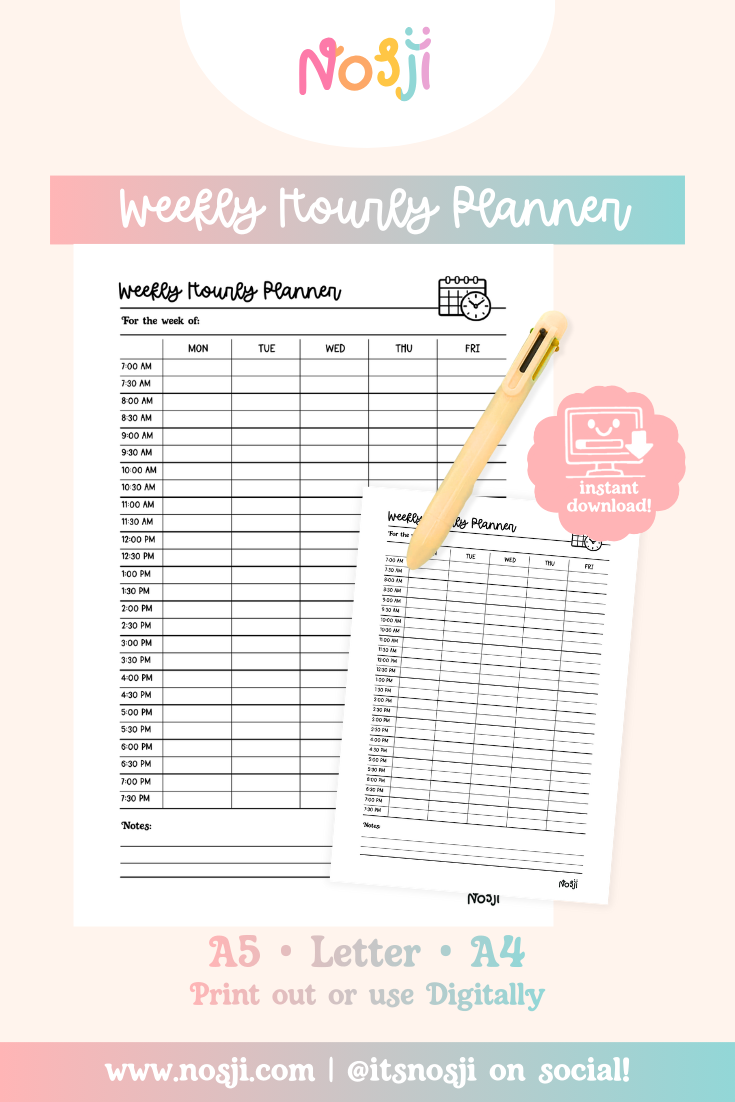
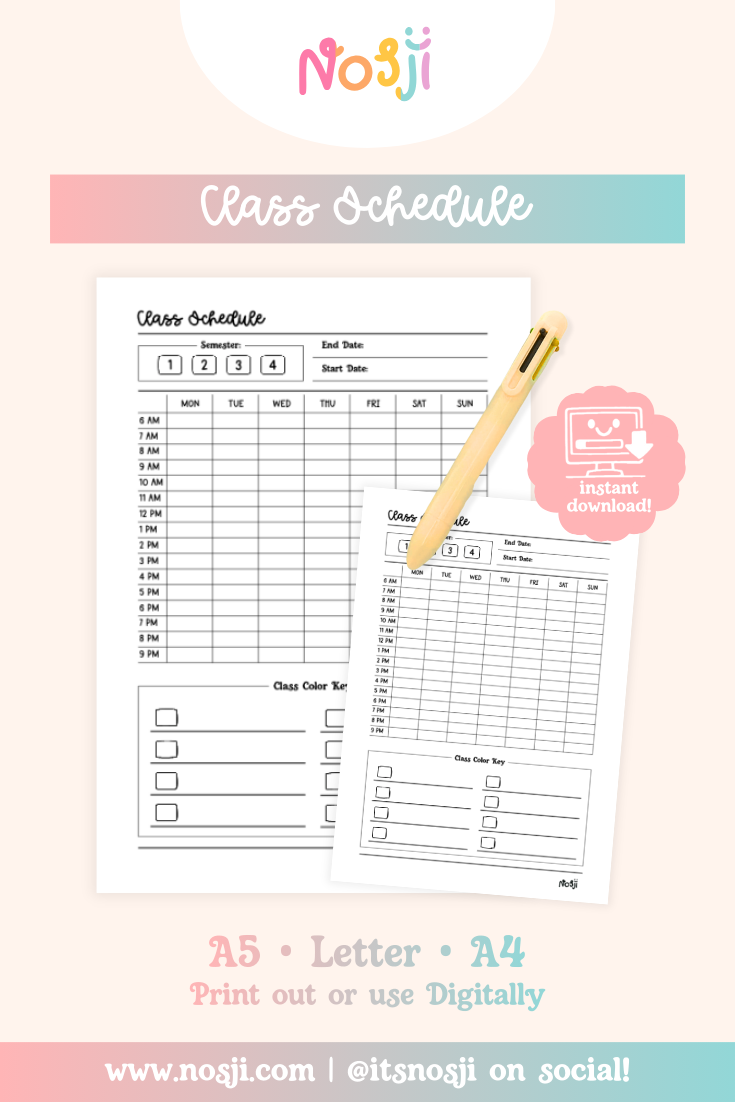
Stay organized all semester with our Class Schedule tracker! We made this because juggling multiple classes across different days and times can get overwhelming fast. Having your entire week laid out in one place means no more panicking about whether you have class at 10 or 11, and no more showing up on the wrong day. Fill in your schedule once at the beginning of the semester and you’re set!
Circle your semester number at the top, add your start and end dates, then fill in each class in the time slots. Use the class color key at the bottom to assign each class a color – this makes it super easy to see your schedule at a glance. Color-code by subject, difficulty, or however makes sense to you. Keep it in your planner, stick it on your fridge, or save it digitally on your phone so you always know where you need to be!
What’s on the printable: A weekly grid with days of the week (MON-SUN) across the top and hourly time slots from 6 AM to 9 PM down the side, semester selection boxes (1, 2, 3, 4), spaces for end date and start date, and a class color key section at the bottom with multiple boxes to assign colors to different classes.
File formats included: A4, A5, and US Letter sizes – perfect for any planner or printer!
Instant digital download – Available immediately after purchase! You can download your files up to 3 times, and download links expire after 7 days (plenty of time to grab them).
How to access your files:
- Download instantly from the order confirmation page
- Check your email receipt for download links
- Create an account? Access your files anytime from your order history page
Join our rewards program! Register for an account and leave 5 reviews to get a discount code for ANY free product in our shop – our way of saying thanks for being part of our community!
Want to see how we use our journal pages? Come hang with us on social media @itsnosji for inspiration and ideas. We love sharing how we fill in our own pages – it might spark some ideas for yours too!